
Watched
WatchedThe platform with which to reproduce the audiovisual content you want · In-app purchases

Independent review site. Downloads redirect exclusively to official stores (Google Play, App Store) to protect user security.

Review by
Sarah Bennett
About this app
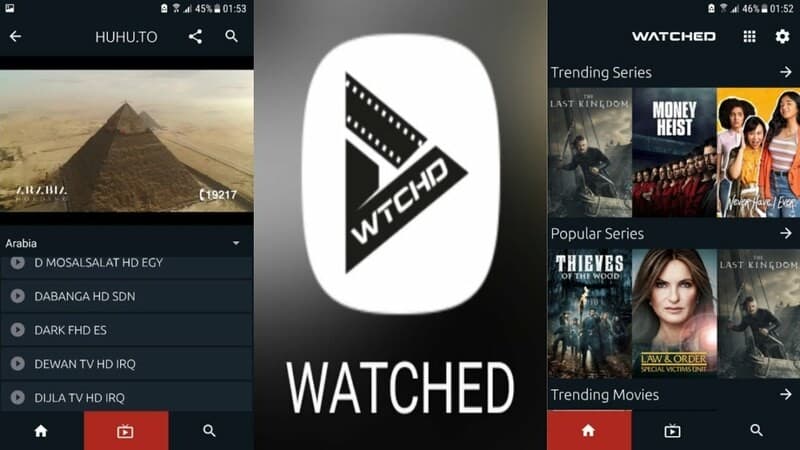
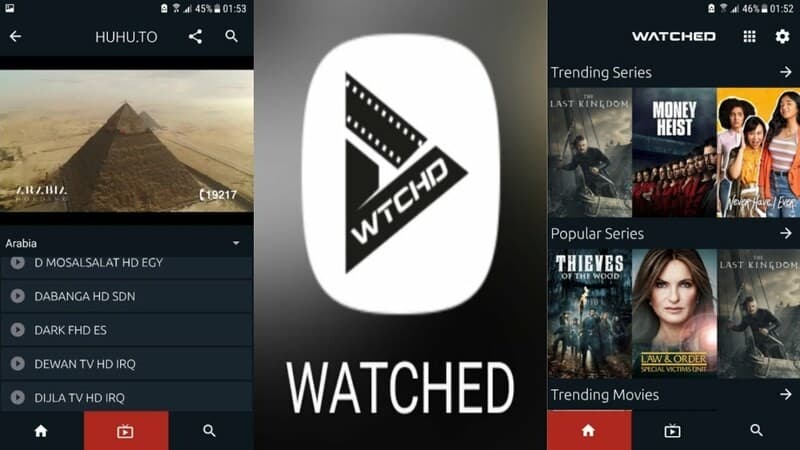
You already have a tool in which to have all your audiovisual content and be able to reproduce it without problems. The Watched application combines in one place all the sources from which to get series, movies and entertainment programs to offer them for free.
With a very simple interface, all its operation is based on achieving simplicity of use. With a powerful search engine, it allows its users the possibility of obtaining the products that other members of its community have added. These can be saved in their own lists with which to have access to your favorites.
It has a wide catalog and one of the advantages of Watched is that it is always constantly updated. It is the users who feed the application with new and innovative new programs, series or movies. To start using it, you will only have to install it on your mobile device and you will already have access to all its files.
One of its most outstanding characteristics is its simplicity in use, with a very visual and minimalist design, it gives it a very modern appearance that will facilitate its use. Download Watched for free, you find it available for Android and iOS operating systems.
Its search engine is very powerful, and only by pointing to the keyword you want to see will show you all the results it has and that fit it. Once you have collected all of them, you can access them just by clicking on the one you want to see, it's that easy. The use of Watched is very safe, it is just a player that will automatically show us the content that the URL that we enter contains.
All its configuration is customizable, knowing how to do it is important to start using it. On its main screen you will have access to all the options you have to change, such as the language or the TV mode. In this section you can change the way you view it on the screen and make it more comfortable.
When watching movies on Watched, you just have to press on the main screen the button that appears on the main screen and is a plus symbol. On the screen that will appear next, you have to add the URL where the content you want to see is hosted and press continue. This will load automatically and all you have to do is sit back and enjoy.
Ratings and reviews
Pros & Cons
Pros
- Can be used on all operating systems
- Free download from the website
- Variety of functions
- Easy to use
Cons
- It needs further development of its interface
- Being open source it can present security problems
- Need to support more languages
- Playback may be cut off
3 Tricks for Watched you didn't know
| Trick | Description |
|---|---|
1Use iCloud to Sync Your Lists | Enable iCloud in Watched's settings to automatically synchronize your lists between your devices. |
2Customize the App Icon | Long-press the Watched app icon on your home screen to select from different icon options to match your style. |
3Use Quick Actions for Fast Access | Long-press the Watched app icon to bring up a menu of quick actions, like adding a new title or viewing your watchlist. |
Direct competitor: Simkl
Simkl is a similar app that lets you track your watched movies and TV shows, and share your progress with friends.
| Feature |  Watched Watched | Simkl |
|---|---|---|
| UI | Intuitive and easy-to-navigate interface. | Can be a little cluttered at times. |
| Features | Offers comprehensive tracking features with custom lists. | Basic tracking features, fewer customization options. |
| Performance | Fast and responsive app. | Can be slow at times. |
| Price | One-time purchase for premium features. | Subscription-based model. |
| Support | Responsive customer support. | Slower response times. |