

Independent review site. Downloads redirect exclusively to official stores (Google Play, App Store) to protect user security.

Review by
Ryan Thompson
About this app
Today our archives are the most valuable we have. The digital libraries that computers and mobiles were transformed into are of great value, perhaps even more than we think. There we keep all kinds of material, memories, moments. They can be images of a vacation, important audios, text files or videos. In addition, the connection between users is one of the most popular activities. If you are looking for how to transfer files free, fast and easy, there are a variety of applications and programs that can help you. SHAREit is one of them and we will describe below why it is one of the best.
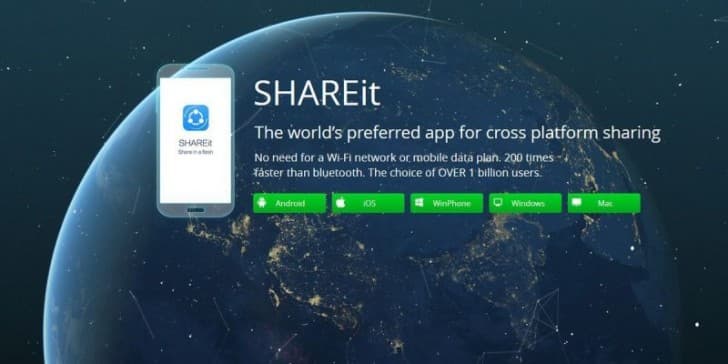
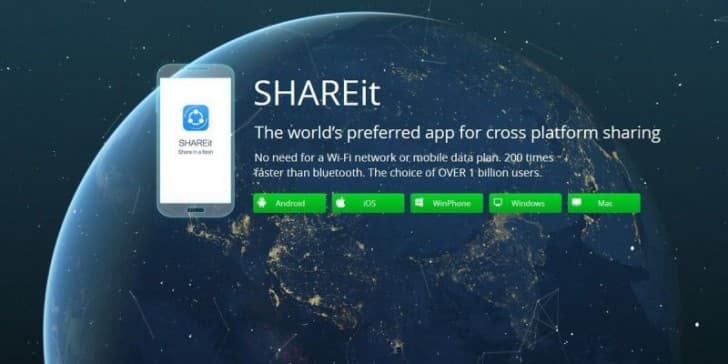
SHAREit is a free app. It can be used from computers or install its mobile version. The platform works both on systems that use Android and iOS. It has several functions but the main and most important one is to allow the exchange of files between platforms at high speed.
Using SHAREit is very easy and that is one of the reasons why it is so popular. Its growth is impressive. It is present in more than 200 countries around the world, works in more than 45 languages and has more than 600 million users.
One of the advantages of SHAREit is that it is very fast. You will be able to send and receive files between different platforms at surprising speed. It is more agile than Bluetooth technology and may exceed 20 megabytes per second.
Forget about operating system or device restrictions. The program works on all terminals no matter what software they use. It can be Windows or Apple, you will not have problems.
Share with your friends what you want. Be it photos, music files, videos or apps, nothing will be left out of the options to send or receive. You will even have the opportunity to enjoy games that others have on their terminals. All at high speed and, if you wish, offline.
You can also use functions to exchange files with your computer. Synchronize all your data and important content between devices easily.
Downloading SHAREit for free will protect all your material and help you stay organized.
Ratings and reviews
Pros & Cons
Pros
- We can transfer large files between two devices.
- The speed of file sharing through ShareIt is much faster than normal bluetooth file sharing.
- The user interface is very clean.
- There is no need for an internet connection to use this application.
Cons
- You can hang devices with little memory.
- There are some errors in this application.
- Anoing ads as usual
- You can see some uncensored videos
3 Tricks for Shareit you didn't know
| Trick | Description |
|---|---|
1Directly Send Files to Your PC | Use SHAREit's Web Share feature to wirelessly transfer files from your phone to your computer without installing the app on your PC. Access the web interface through a browser. |
2Share Files with Friends Without Using the Internet | SHAREit creates a personal Wi-Fi hotspot, allowing you to exchange files at high speed even without an internet connection. Ideal for travel or remote locations. |
3Discover Trending Videos and Music | SHAREit has a built-in player that offers trending video and music recommendations. You can watch or listen to content directly within the app. |
Direct competitor: Xender
Xender is another popular file transfer app that offers file sharing, video downloading, and social media discovery features.
| Feature |  Shareit Shareit | Xender |
|---|---|---|
| User Interface | Modern and intuitive | Slightly dated but functional |
| Features | File transfer, video download, music player | File transfer, status downloader, games |
| Performance | Fast transfer speeds, stable connection | Can be slower with large files |
| Price | Some features only available with premium membership. | Some features only available with premium membership. |
| Support | Comprehensive FAQ and customer service | Basic FAQ and email support |