
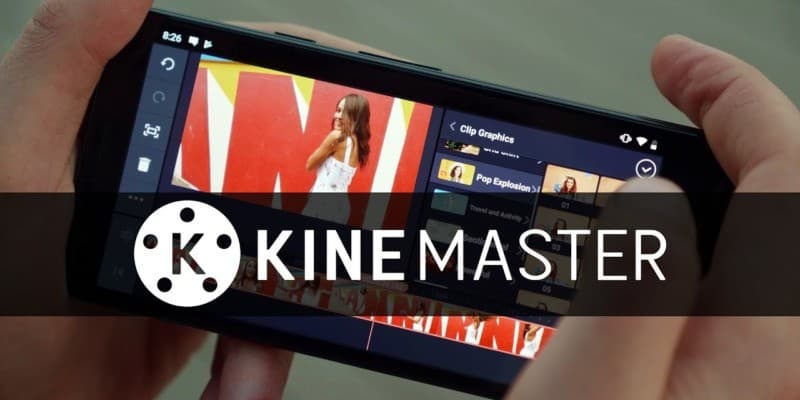
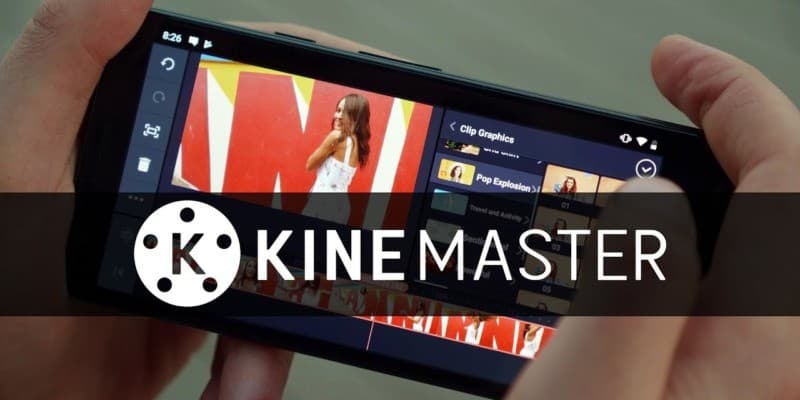
KineMaster
KineMaster CorporationThe most complete video editor for mobile devices · In-app purchases

Independent review site. Downloads redirect exclusively to official stores (Google Play, App Store) to protect user security.

Review by
Kevin Sullivan
About this app
There are many mobile video editors out there, but none offer as many possibilities as KineMaster. With it you will have all the functionalities of a professional program to create your own video movies with a high quality result.
It is very complete and offers all the customization possibilities that you will need to achieve the results you are looking for, with a wide gallery of filters and tools to become a true video editor. Download KineMaster for free, it is available for Android and iOS operating systems.
It can be used on any mobile device and it has a similar interface in all of them that will make it very easy for you to switch between its different versions once you learn to use it. You will have access from the app to all the videos that you have stored in your gallery waiting for you to edit them at some point. You can even use several of them for the same project and work without danger of losing your progress.
It has the most common tools, such as cut, paste, join clips, with other more professional ones such as 3D transitions, frame-by-frame advance or the function with which to insert clip pieces elsewhere. You can also control the aspects of the image such as hue, brightness or saturation, the application works by default in 1080p and allows you to export your projects in most of the supported formats, being MP4 the most popular and the one that advises you and with which you make sure that you can play your video on any platform.
Once you have all the elements of your project retouched and edited as you want them to appear, you just have to edit it and it will be saved locally wherever you want or you also have the option to share it on a social network, connect it with your profiles on YouTube , Facebook, Instagram or Google+ and send it with one click.
The KineMaster application can be used completely free of charge but it also has a paid version in which you will find a series of advantages that will complete the experience and with which you will achieve even better results. It also has its own resource store with which to complete your library of tools.
Ratings and reviews
Pros & Cons
Pros
- Variety of effects
- Layered editing
- Weekly update
- Recognized and highly rated program by critics
Cons
- Many of its functions have to be paid for
- Ad and watermark presences
- It becomes slow
- It may present problems when exporting
3 Tricks for KineMaster you didn't know
| Trick | Description |
|---|---|
1Color Grading with LUTs | Utilize LUTs (Lookup Tables) for quick and professional color grading in your videos. Import custom LUTs or use the built-in options. |
2Keyframe Animation for Effects | Use keyframes to precisely control and animate effects like transitions, text animations, and image movement. Adjust the speed and intensity of effects over time. |
3Audio Ducking for Clear Audio | Enable audio ducking to automatically lower the background music volume when speech or other important audio sources are present. This ensures clear vocal audibility. |
Direct competitor: PowerDirector
PowerDirector is a robust video editing app with a wide range of features and effects.
| Feature |  KineMaster KineMaster | PowerDirector |
|---|---|---|
| User Interface | Intuitive and customizable | Slightly more complex, but feature-rich |
| Features | Basic to advanced features | Comprehensive features, including multi-camera editing |
| Performance | Optimized for mobile devices | May be slower on older devices |
| Price | Subscription-based, some features limited in the base version | One-time purchase or subscription options |
| Support | Online help and tutorials | Extensive support and community forum |