

Independent review site. Downloads redirect exclusively to official stores (Google Play, App Store) to protect user security.

Review by
Jason Mitchell
About this app
Uber cars do not have a "square" where they are. To contact a uber car we have to use the application, which tells us the name of the driver, what is the brand of the car, the registration and the time and route that will do until arriving at you. How to use Uber: Using Uber is very easy. See a simplified step-by-step and learn how to order yours: Download the app on the AppStore or on Google Play or, if you prefer, access the official Uber website. Complete your registration with your personal data. Fill in the address of your destination in the Where To ? Confirm your departure address and choose the category you want to use. We remind you that some Uber categories are only available in some cities so far.Choose your form of payment, check your trip and the average waiting time of the vehicle and confirm. The app or website will display the data of the vehicle and the partner driver. Prior to the arrival of the car, you can use the app or website to contact the partner driver or cancel the trip. Wait for the vehicle to arrive at the specified location. Before boarding, make sure your car and partner driver data matches those displayed in the app. If desired, explain the route of your preference to the driver partner. At the end of the trip, you will be able to rate your experience and leave a comment, helping Uber to improve more and more.
Among the companies that changed the way traditional industries work, Uber is the application that was in charge of modifying the way we were used to traveling. Although it started as a service only for vehicle drivers, it now also offers scooter rentals and has a special division for food delivery called Uber Eats.
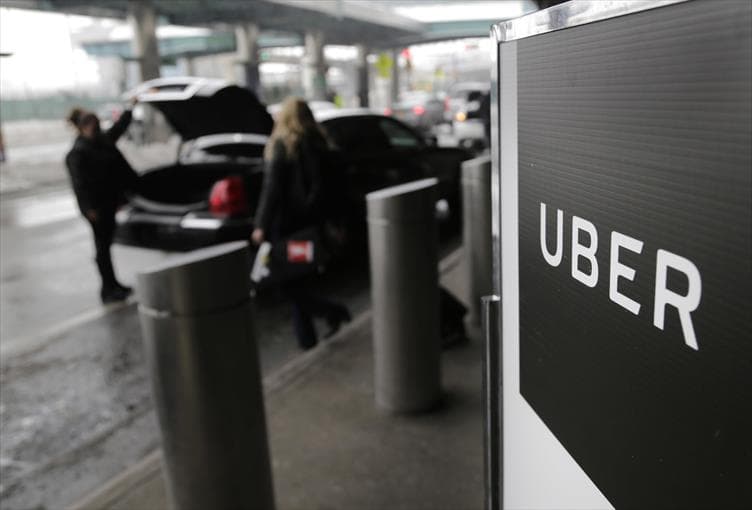
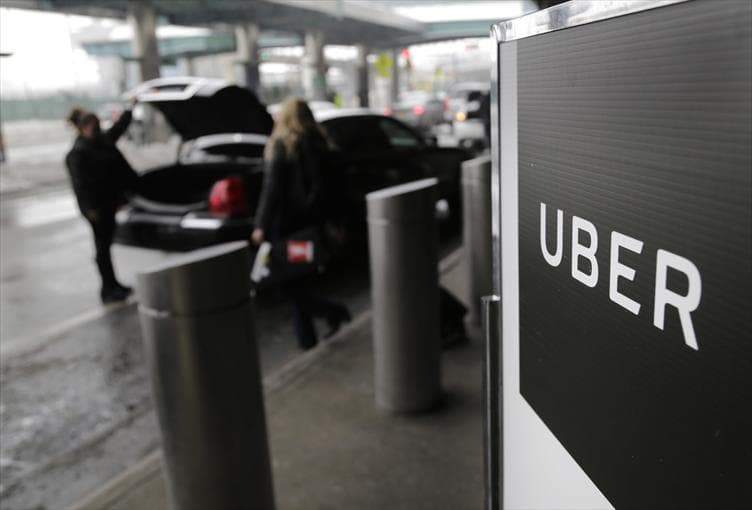
Uber is present in all the most relevant cities and airports in the world. It offers a personalized treatment between the client and the driver. People can make and access opinions of those who use the service.
The program has a comfortable configuration panel to reserve the vehicle that best suits our needs, whether it is renting a high-end transport or a van to transport many people. Uber also allows the passenger to share their location in real time with others so that they know when they reach their destination.
Ratings and reviews
Pros & Cons
Pros
- Vehicle Insurance
- Affordable price
- There are lost and found
- Payment Automatic
Cons
- Active in few cities.
- In some places it is not possible to pay with money.
- It is not easy to become an Uber driver.
- Drivers will always try to make bigger profits.
Tips
3 Tricks for Uber you didn't know
| Trick | Description |
|---|---|
1Leverage Uber Rewards for Perks | Uber Rewards allows you to earn points on every ride and order. These points can be redeemed for discounts, upgrades, and other perks. |
2Set a Price Alert | Monitor prices for your regular routes and set up notifications to book rides when prices are lower. |
3Plan a Multi-Destination Ride | You can add multiple stops in the Uber app, ideal when picking up friends or running several errands. |
Direct competitor: Lyft
Lyft is a ridesharing service that offers a similar service to Uber.
| Feature |  Uber Uber | Lyft |
|---|---|---|
| User Interface | Intuitive and user-friendly | Also user-friendly, slight differences in design |
| Features | Comprehensive and diverse | Similar features, sometimes fewer options |
| Performance | Reliable and stable | Also reliable, but may vary by region |
| Price | Dynamic pricing, can be expensive | Often competitive or slightly lower pricing |
| Customer Support | Multiple support channels | Also good customer support available |